Search / Graph / Investigation
Tracer Threat Hunting Platform
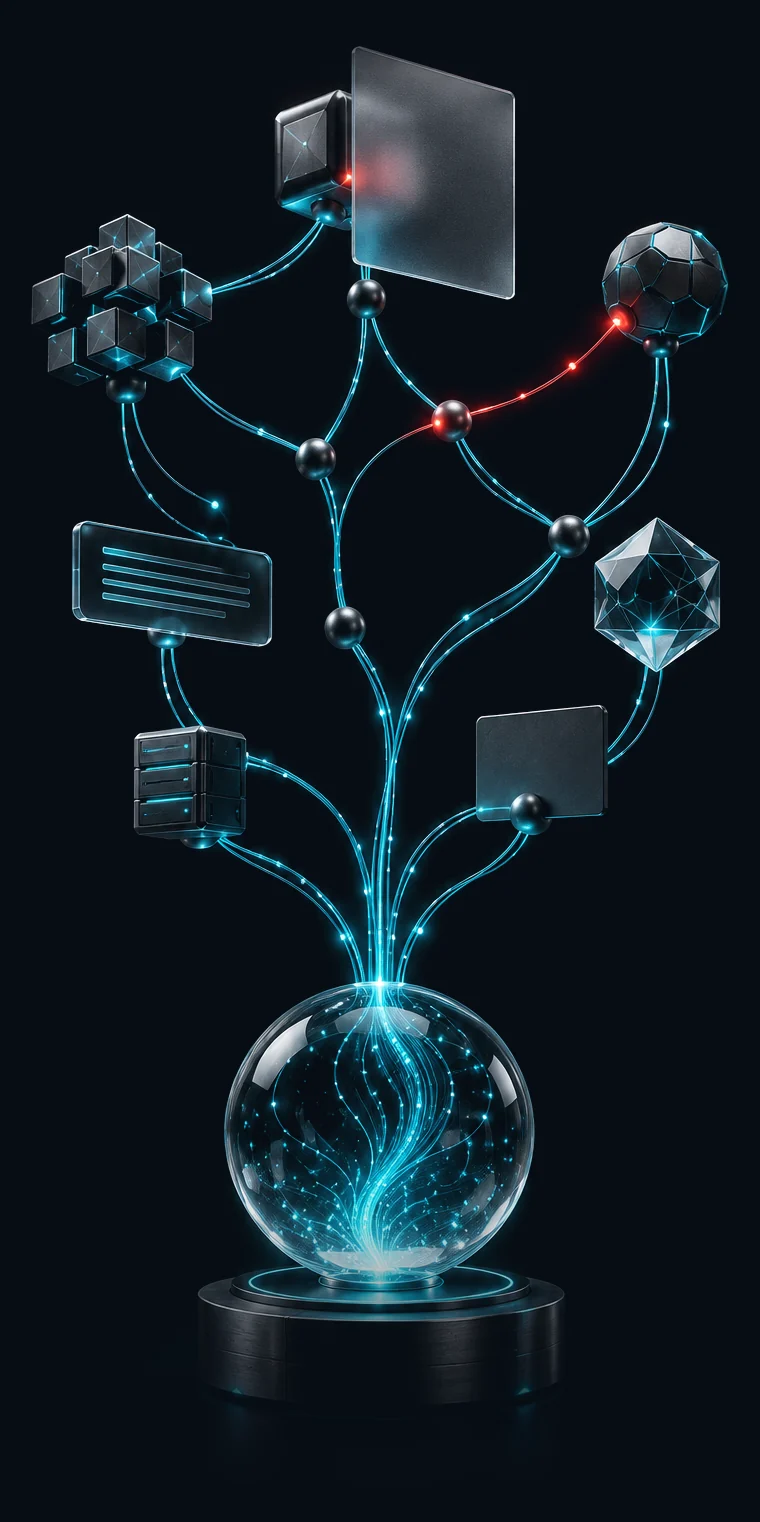
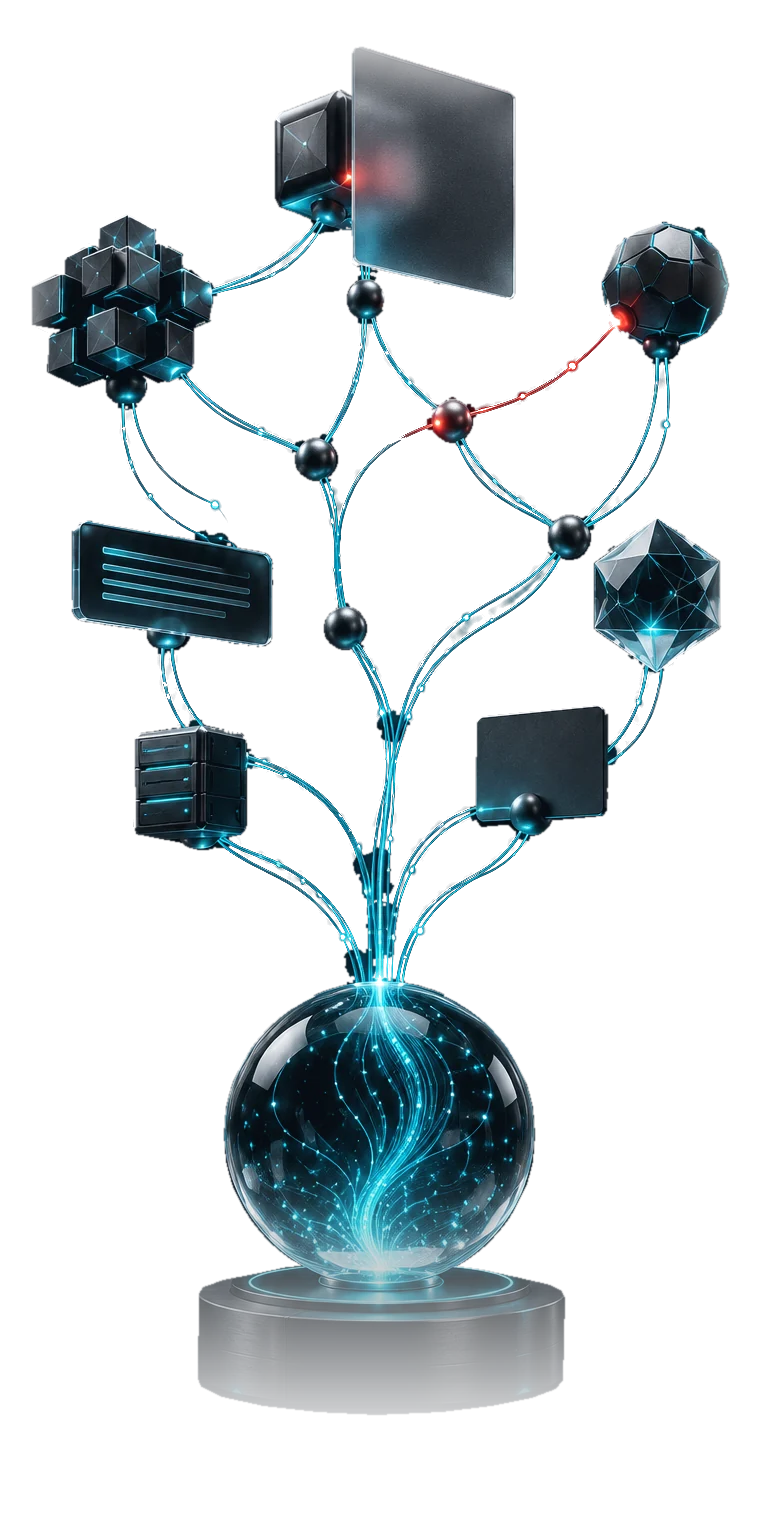
One search across your own assets' data and all of DARKMON's collected intelligence, drawn as one link graph.
- Solution
- CTI - Cyber Threat Intelligence
- Search by
- Thirteen parameters, joined by AND / OR
- Licensed by
- 10,000 searches a year - shared by all users
- Credentials
- Shown only on your own assets
How a hunt runs
Search, explore, pivot
Each source becomes its own branch and each match its own node. Shared values link records across sources.
Search
Ask one question
Build the query from parameters joined by AND or OR, then run it. The query lives in the link, so reloading or sharing it reopens the same graph.
Search by
- Username
- Keyword
- Domain
- URL
- IP
- Hash
- CVE
- Malware
- Source
- Card BIN
- Card number
- Card holder
Explore
Open what the sources hold
Each data source answers with a collection and a count. Expanding and paging are free.
Data sources
- Accounts
- Combo lists
- Public breaches
- Compromised machines
Pivot
Follow what records share
Records that share a value are linked. Start a new search from any value, or select two nodes to light the shortest path.
On the graph
- Shared-value links
- Shortest path
- Connections panel
Built for investigation
Keep the graph readable, keep the trail
Tools for working a large graph: narrow it, mark it, keep it current and hand it on.
- Focus
Cut the graph down to the lead
Focus dims everything outside a branch and lights the chain back to your query. Hide what you have ruled out, and collapse a branch into a single node.
- Force or tree layout
- Find any name or value on the graph
- Details for every record, with per-field copy
- Mark
Mark what matters
Highlight a node in one of ten colours and attach a note to it. A tray lists every highlight on the graph.
- Ten highlight colours
- A note on each highlighted node
- Connections panel for the nodes that share the most values
- Time
Stay current
Restrict a search to a date range. Refresh merges new records into the graph on screen: nothing is removed, and a collection that grew shows how many are new.
- Date range filter
- Refresh on demand or automatically
- Timeline replays the hunt step by step
- Share
Save it, share it, export it
Save, restore and compare graphs. Exports, copies, share links and saved graphs always hide credentials.
- Share a graph as a link
- Capture the view or the full graph as a PNG
- Export a node, a selection or the graph as JSON
- Cases keep investigations on the server
Data scope
Your credentials, your rules
Tracer searches all of DARKMON's collected intelligence. Credentials appear only for your own verified assets and permitted roles; every search is logged.
Related modules
Licensed on its own, sharper with the rest
Tracer needs no other module. The modules you hold decide which credentials a hunt can show you, and what you can do with a result.
- Digital Risk Protection
Nyxel
Leak IntelligenceAn "Investigate in Tracer" action on every Nyxel finding opens the account, machine or listing in the graph.
Shows credentials onVerified domainsIP addresses - Digital Risk Protection
Eradix
Takedown RequestsContent found during a hunt opens a takedown case, self-service or assisted by DARKMON analysts.
Pursued withPaste sitesRepository platformsPackage registries

Get in touch
See where the trail leads
Open the graph with one email or username from your own environment during a 30-day POC.